

How to load a New Texit coin cold storage coin
TEXITcoin Cold Storage Coin — guided instructions
Source reviewed September 10, 2026. Wallet labels may change.
Open, clean, protect, and store a physical TEXITcoin coin — or keep it sealed and watch its public address.
- This site never asks for a recovery phrase, private key, wallet password, or wallet address.
- Enter recovery information only inside the verified wallet at its official address.
- Never use, fund, copy, or share any credential shown in a demonstration clip.
- An opened coin is no longer sealed cold storage. Tamper-evident is not tamper-proof.
Load a Cold Storage Coin
The complete official walkthrough. Watch this first, then follow the steps below.
Load a Cold Storage Coin
The full walkthrough of loading a TEXITcoin cold-storage coin: what the coin holds, opening it, and moving from the sealed coin to a usable wallet.
Play this recording in the video player above
The continuous coin walkthrough
Watch-only versus full access, seal removal, cleaning and residue, secure storage, and importing the coin.
Choose watch-only or full access
Decide whether the coin stays sealed as cold storage or is opened so its wallet can be used.
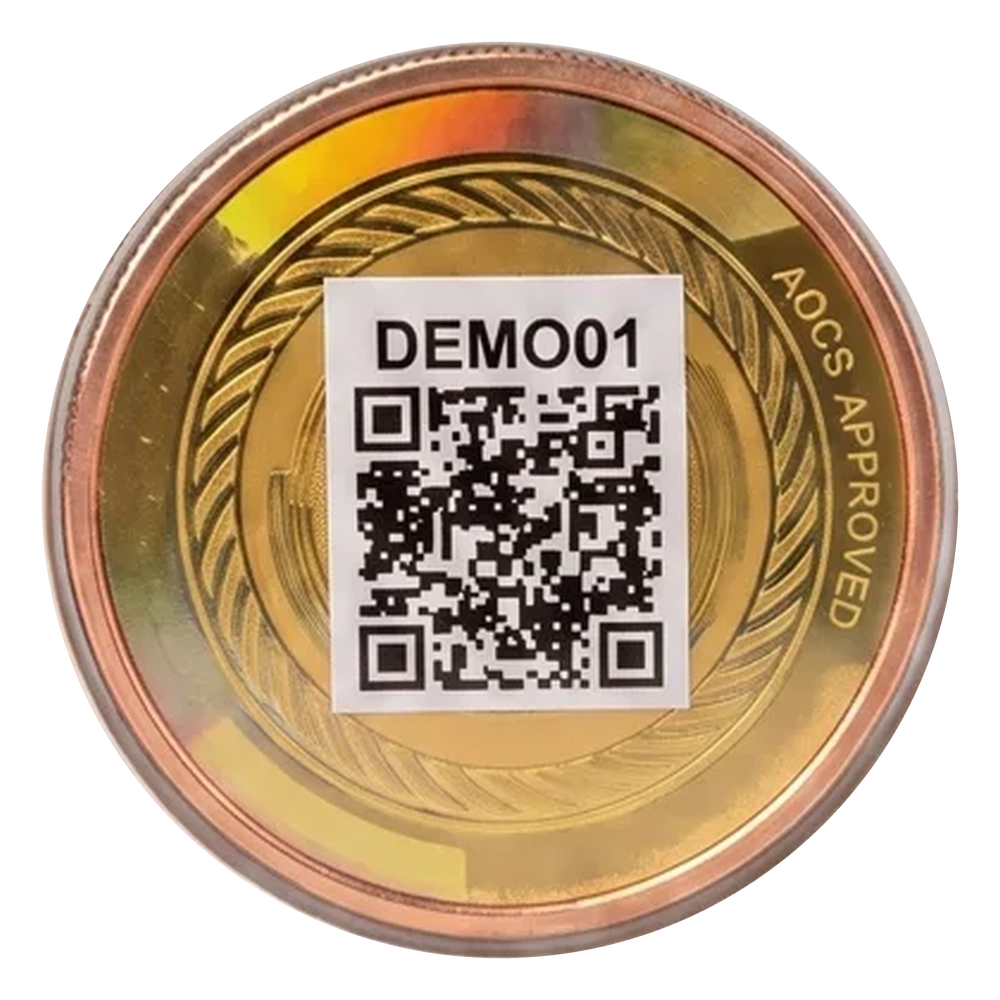
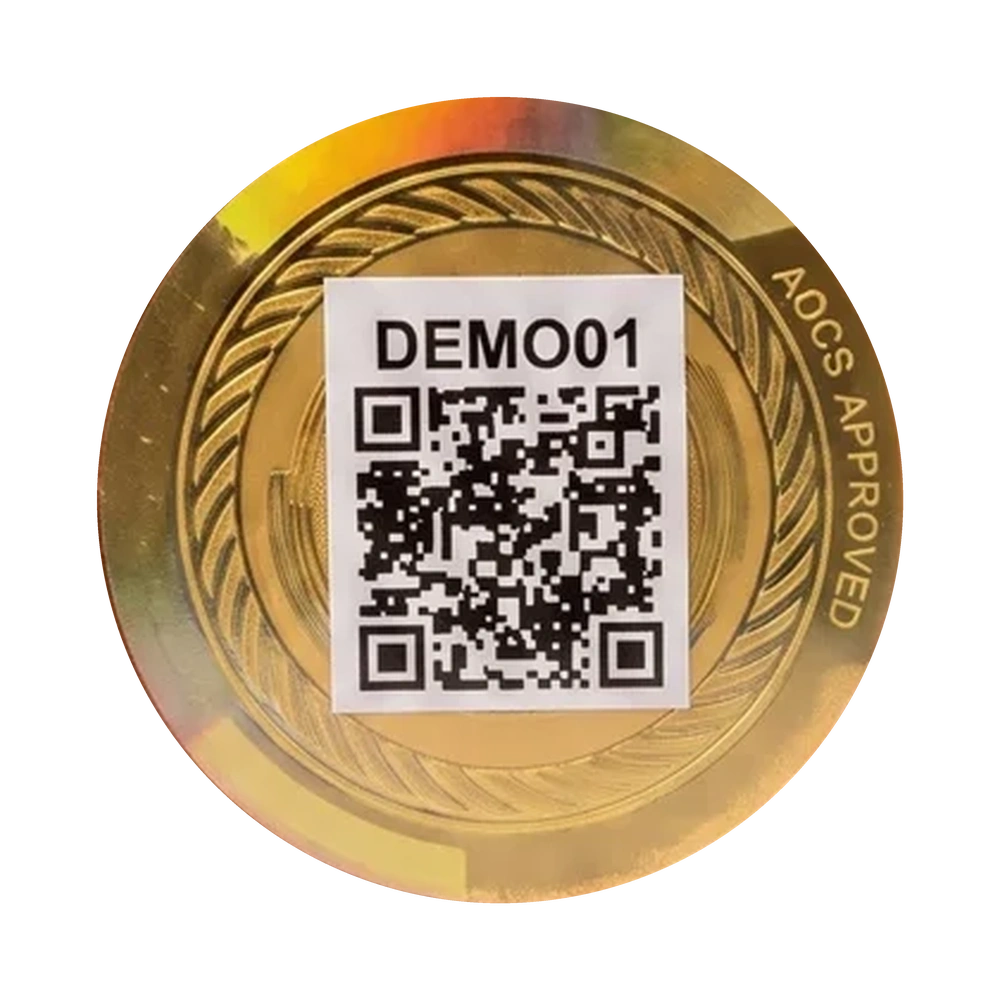
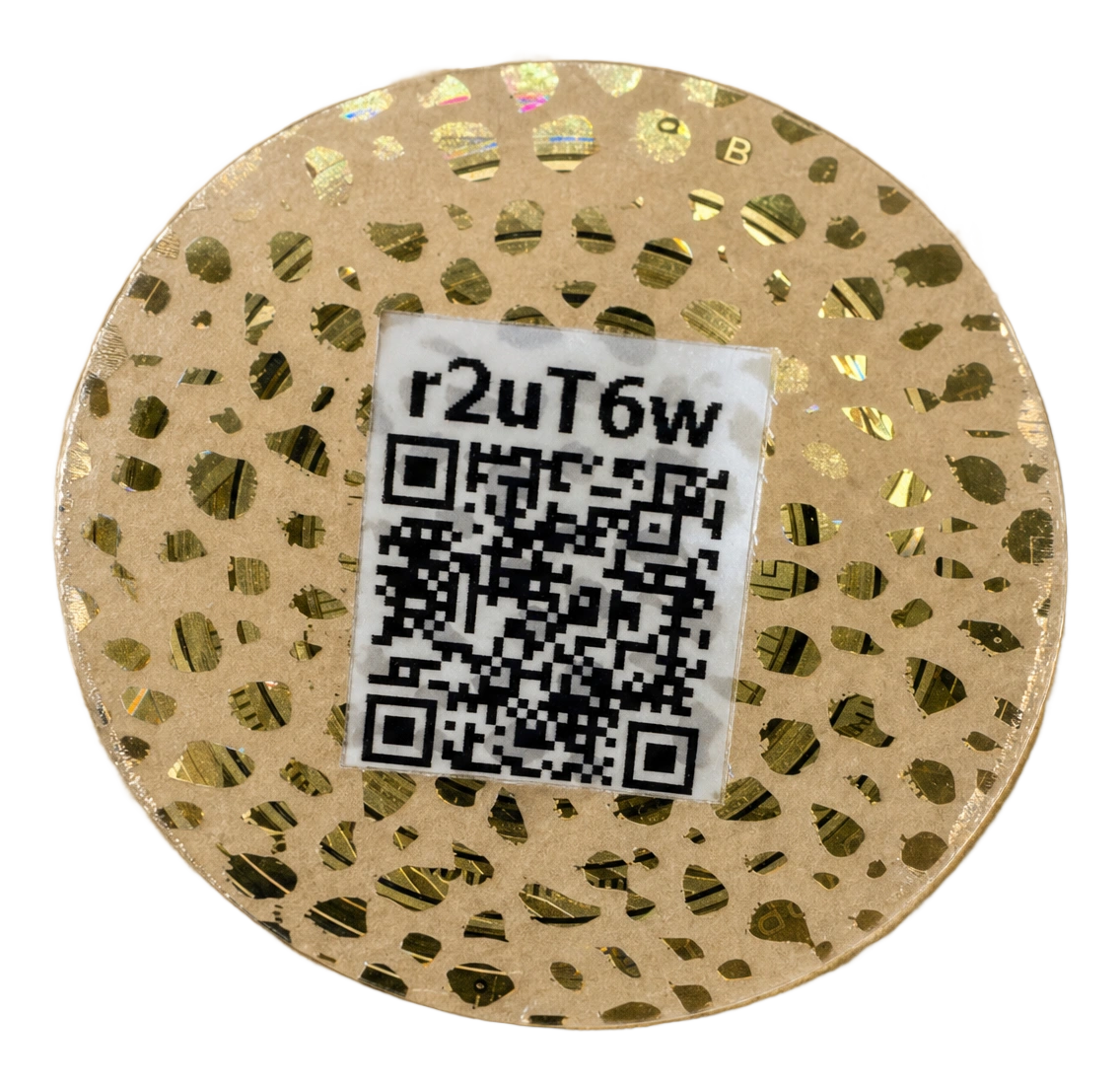
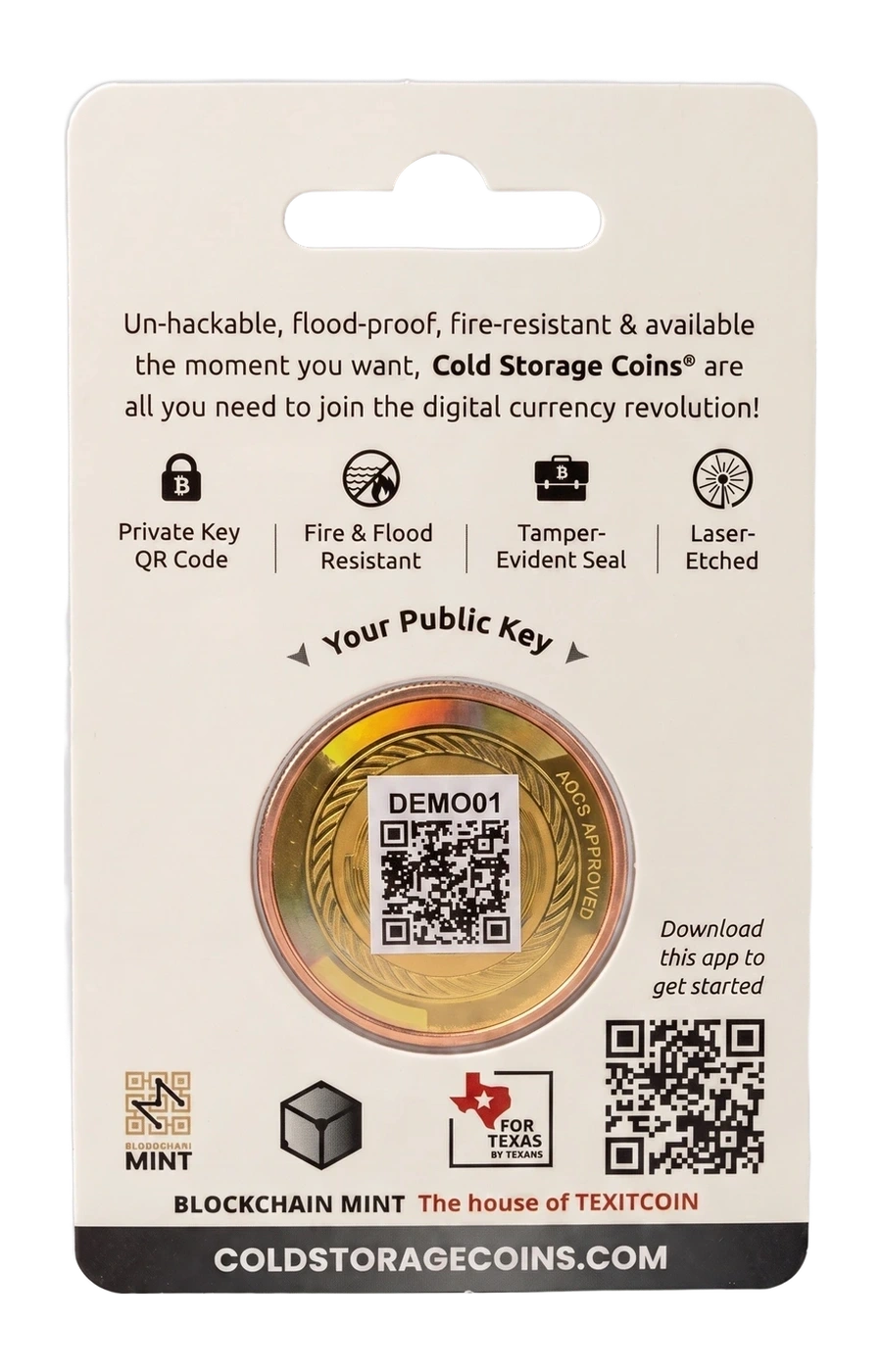
Sealed demo coin next to an opened demo coin. Remove the seal
The security foil curls away from the coin face as you scroll.
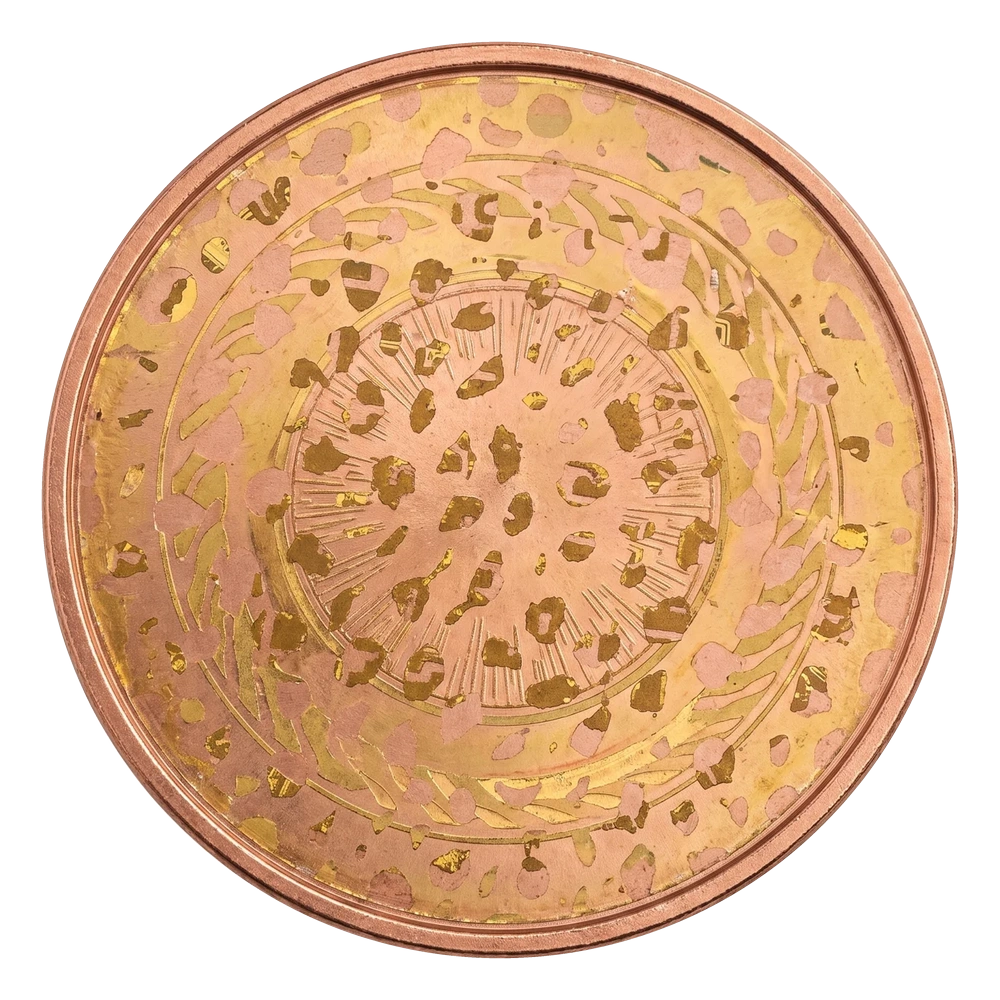
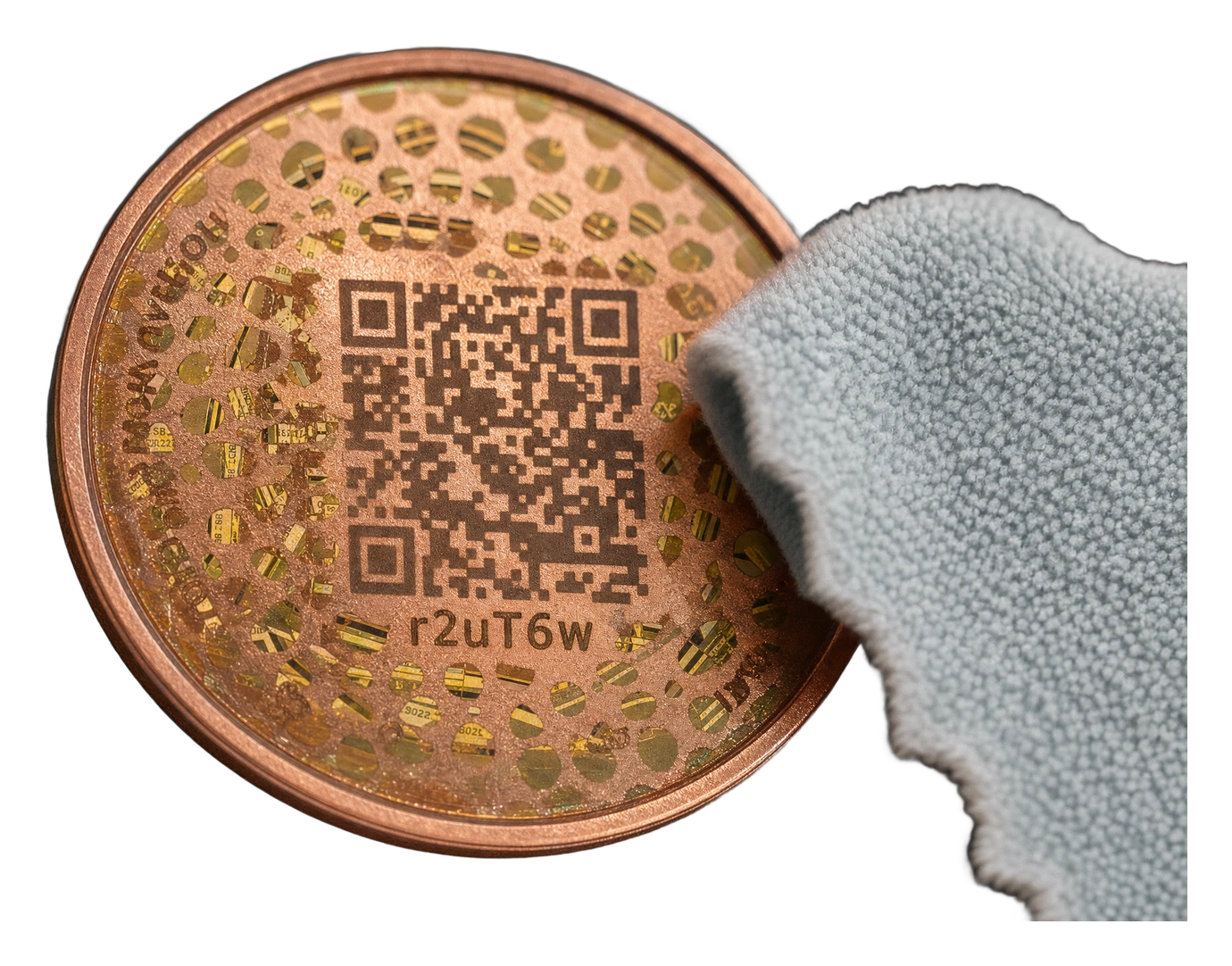
Security foil peeling off the demo coin. Clean the coin and compare residue
A soft cloth wipes adhesive residue away to expose the etched words and QR.
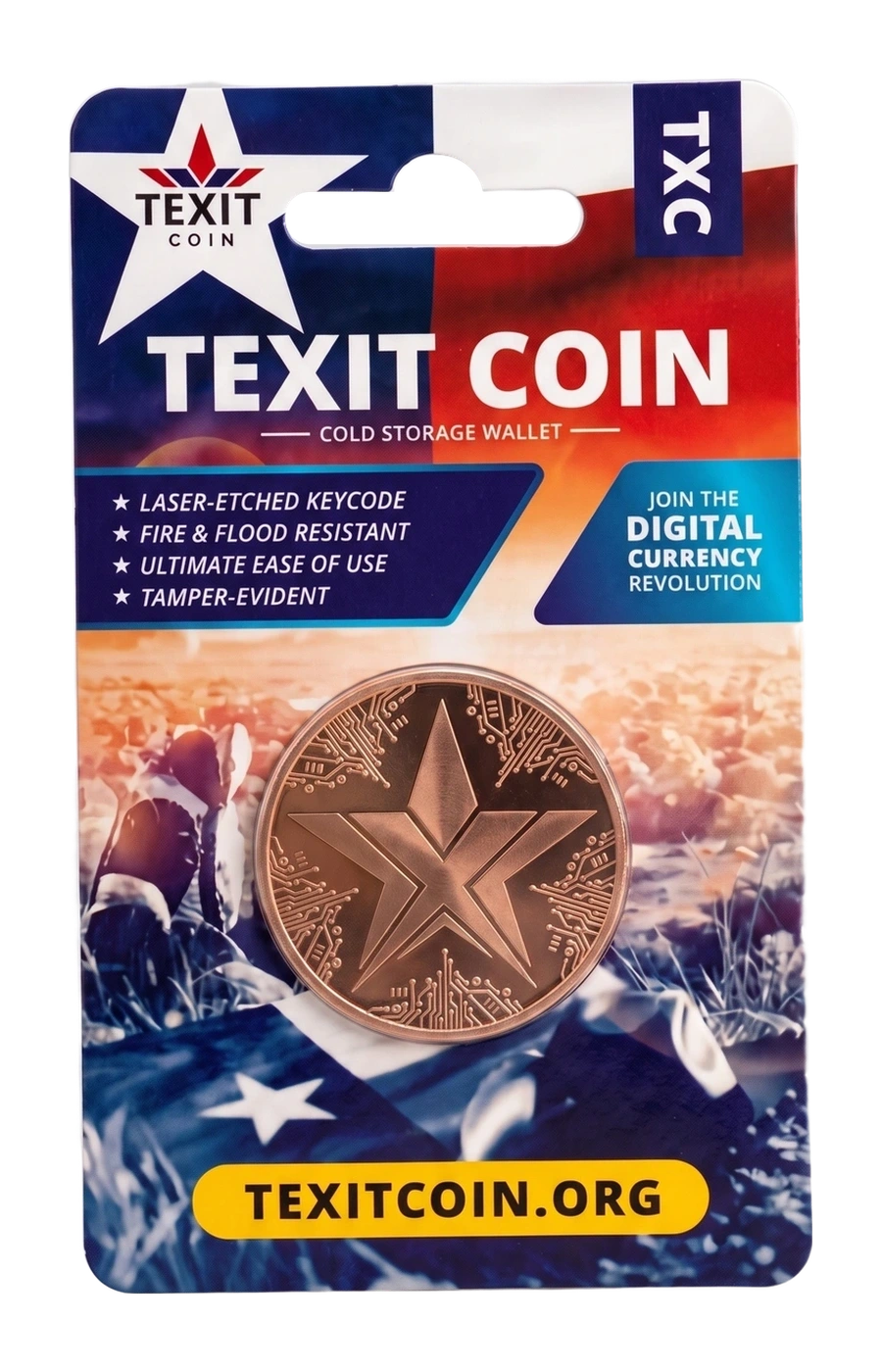
Cloth wiping residue off the demo coin. Protect and store the coin
Sleeve it, hide the exposed words, store it securely, and keep the written backup somewhere else.
Demo coin being placed into protective packaging. Import the coin into your wallet
Wallet-specific import steps for the wallet you selected.
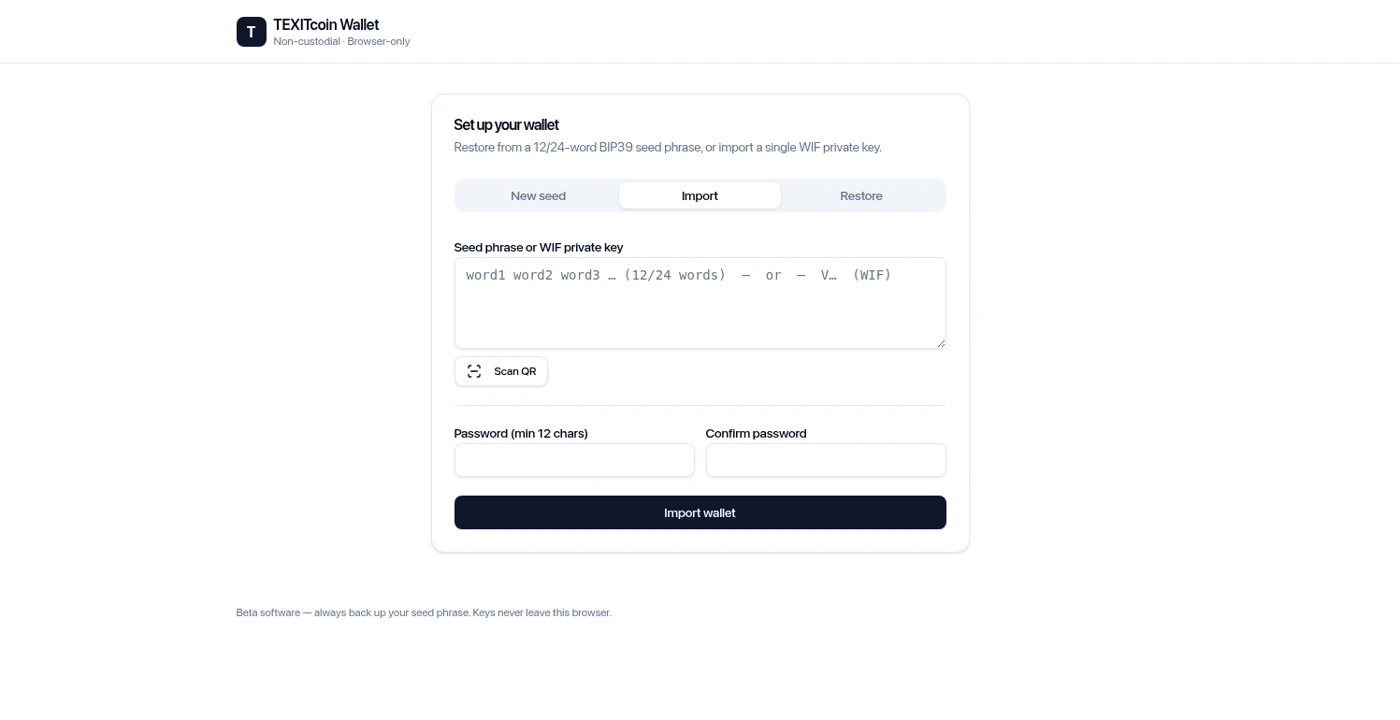
Actual wallet Import screen.
Your coin: watch-only or full access
The QR on the outside represents the public address. It can help you watch or receive funds, but it cannot authorize spending.
Keep the seal intact: watch-only
- In Mobile Honest Money choose Settings → My wallets → Add watch-only address.
- Enter the 6-character Cold Storage Coin ID and tap Look up.
- Check the network and address, name it, and save. Watch-only can view and receive, but cannot spend.
Opening is permanent
Work in private, away from cameras. Stop if an unopened coin arrives with a disturbed seal. Two different coins are two different wallets, not automatic backups of one another.
- Gently lift the seal. Before lifting, note the sticker’s 6-character coin ID. Use a fingernail at the small gap between the holographic seal and the inner rim. Lift slowly without scratching the metal. Peel the whole sticker off; a white square means it is not fully removed. Do not scrape the expected residue. No knives, metal picks, or sharp tools.
- Wipe away the residue. Blockchain Mint recommends WD-40 to dissolve the adhesive. Gently wipe with a soft cloth until the etched details are clear. Follow the cleaner’s label, work with ventilation, and keep it away from flames. Never use steel wool, abrasives, or metal scrapers. Removal guide
- Find what is underneath. Compare the etched 6-character ID with the original sticker ID. Its laser-etched QR contains the 12 recovery words. Read directly or use a trusted on-device reader in good light, then write the words on paper in order. No photos, cloud notes, QR-generator websites, or support messages.
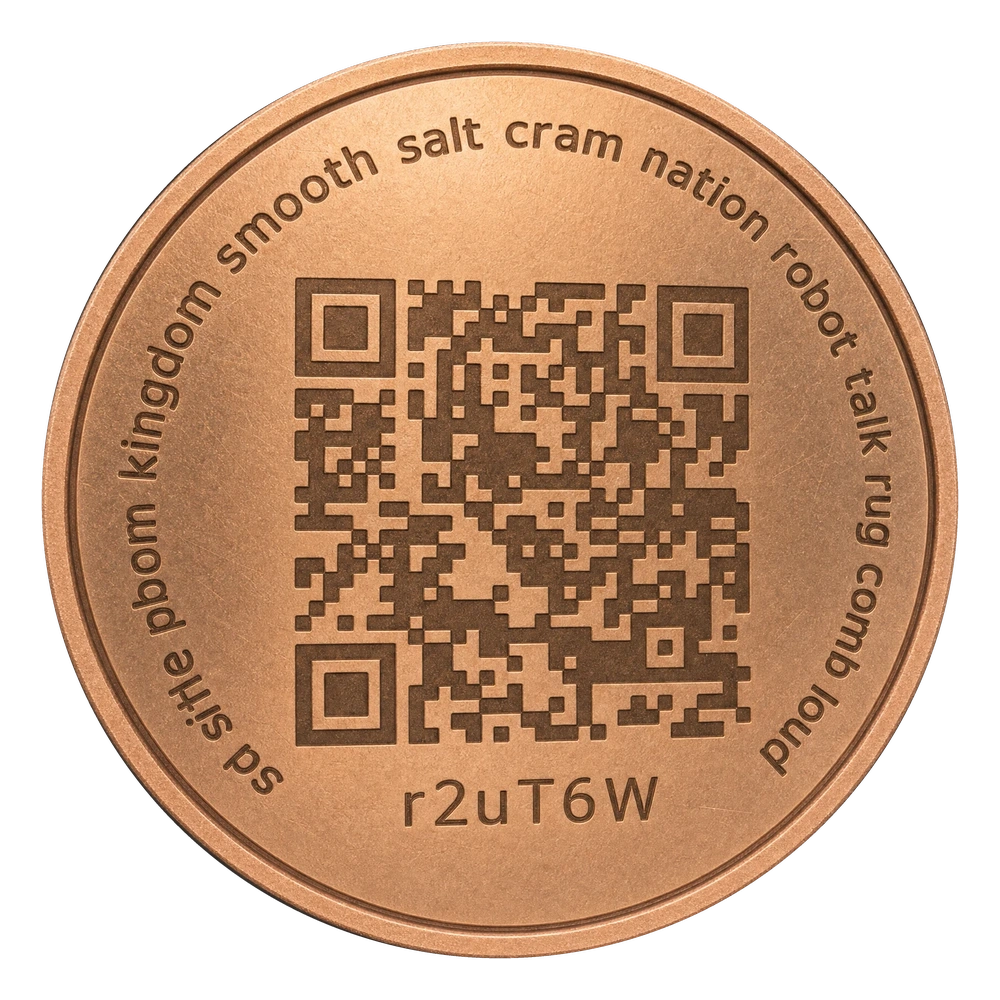
This is a real wallet interface shown with public demonstration credentials. Never use, fund, copy, or share the example recovery words, password, QR code, or address.
Protect and store
- Put the clean, dry coin in a non-abrasive sleeve, fitted capsule, or case.
- Add an opaque pouch or envelope to hide the exposed words. Clear packaging alone is not enough.
- Use secure, dry, locked storage with limited access.
- Keep the written phrase in a different secure location.
Tamper-evident is not tamper-proof. Covered is not resealed: replacing a sticker cannot prove the words were never copied. Treat exposed or copied keys as compromised.
Import into your selected wallet
- Back up the wallet already on this device before changing accounts or importing another phrase.
- Open the Import tab. Use Scan QR on the cleaned seed QR, or type the coin’s words in order.
- Set and confirm the password, then choose Import wallet.
- Open Receive and check address history and balance. Use Rescan for missing address paths.
Import restores access to the same wallet; it does not transfer funds. Back up the wallet already on this device first. Check network, history, address paths and balance; use Rescan if needed. Moving funds to fresh keys requires a separate on-chain transaction.
Safety & common questions
Why do some wallets show 12 words and others 24?
The supplied guides describe 12 words for a new TEXITcoin Web Wallet and 24 for a new Mobile Honest Money wallet. A seed-phrase coin already has its own 12 words. Use every word your actual wallet or coin provides, in order; never add or remove words to force a different length.
What if the coin ID is not found?
The coin may not be registered. Demo and error coins may not appear in lookup. Add the actual public address manually and verify the network. Never use an address from this guide.
What if the balance does not appear?
First check your network and import details, then use Rescan. Honest Money checks multiple address paths. If you see an old address type notice, review the wallet’s option to move funds to the main address. If unsure, stop and ask the official help desk without sharing keys or words.
What if the coin has a private key instead?
Do not force a private key into the seed-phrase field. Create or restore a seed-phrase wallet first, then use Import → Import private key. Review the coin-specific instructions and consider moving its balance to your new wallet.
Coin care and wallet instructions: supplied guides dated September 4, 2026; wallet screens captured September 5, 2026. Product images are demonstration-only and example IDs may differ between photos. On your own coin, compare the ID with its original sticker. Never fund example addresses or reuse example recovery words.
0 of 5 written lessons completed in this browser. Progress from Wallet Guides on another domain cannot transfer automatically.